Home / Blog / Image Translation / Video Translation / Support / Donation / RSS
How to Detect Text Colors in Images
Detecting text colors in images, including background colors and stroke colors, can be used for layout restoration, translation, and other operations.
Original image:

Translated image:

Implementation Principle
For background colors, KMeans can be used to cluster colors and identify the dominant colors in the image.
For text colors, contour detection can be performed to calculate the average pixel value of the text contour and exclude pixels that are similar to the background color.

However, if the background is complex and stroke colors or the color of each character need to be extracted, traditional image processing methods may not perform well. In such cases, convolutional neural networks can be used for extraction.
The computer-assisted image translation software ImageTrans integrates the algorithms mentioned above.
Examples
Below are some operational examples.
Example 1
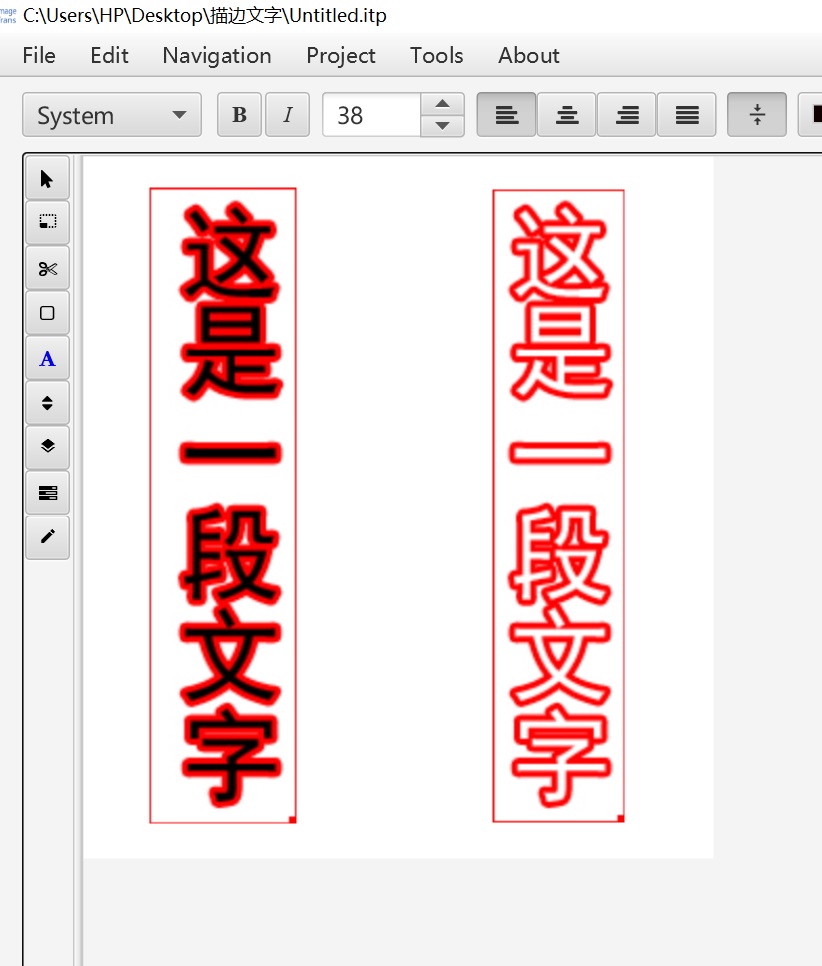
In many CG images, different colors are often used to distinguish dialogues between different characters.
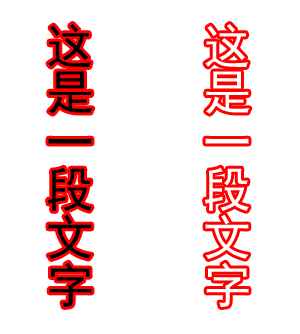
ImageTrans can detect stroke colors and text colors. Below are the raw recognition results.
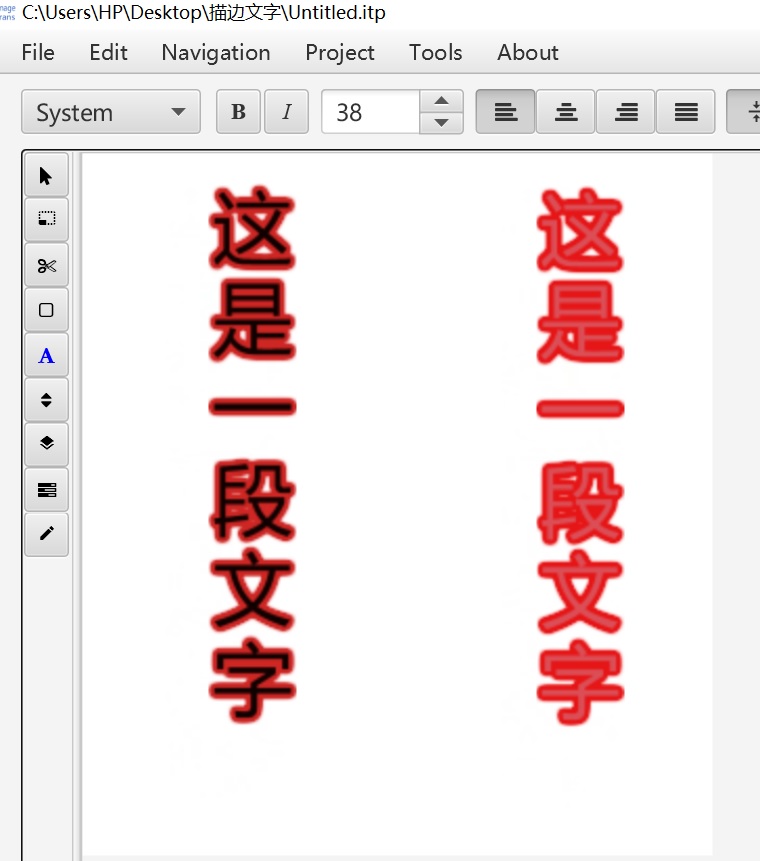
As can be seen, the text colors and stroke colors have been detected, but they are not very accurate.
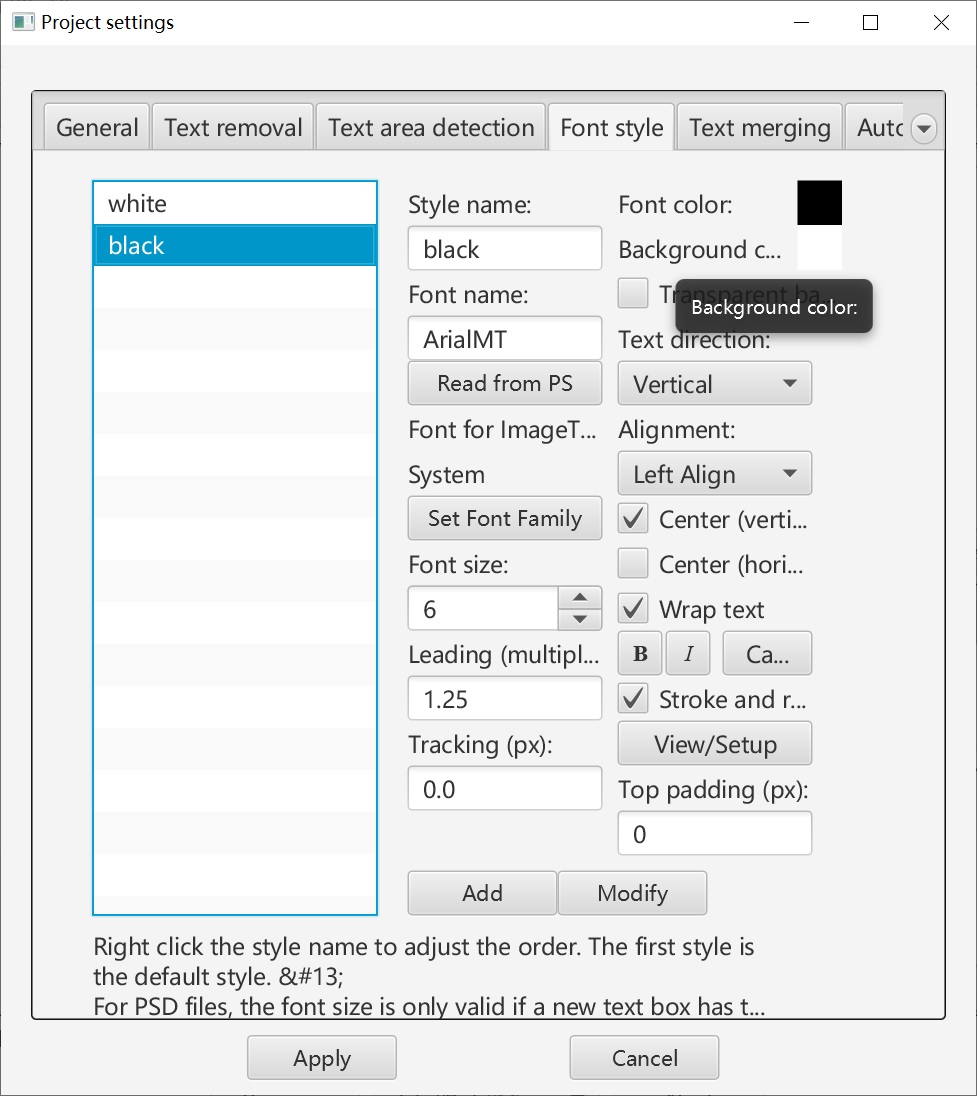
In the project settings, we can predefine several styles and specify the colors used for each style.
Afterward, perform a color matching operation to match the styles based on the text colors.
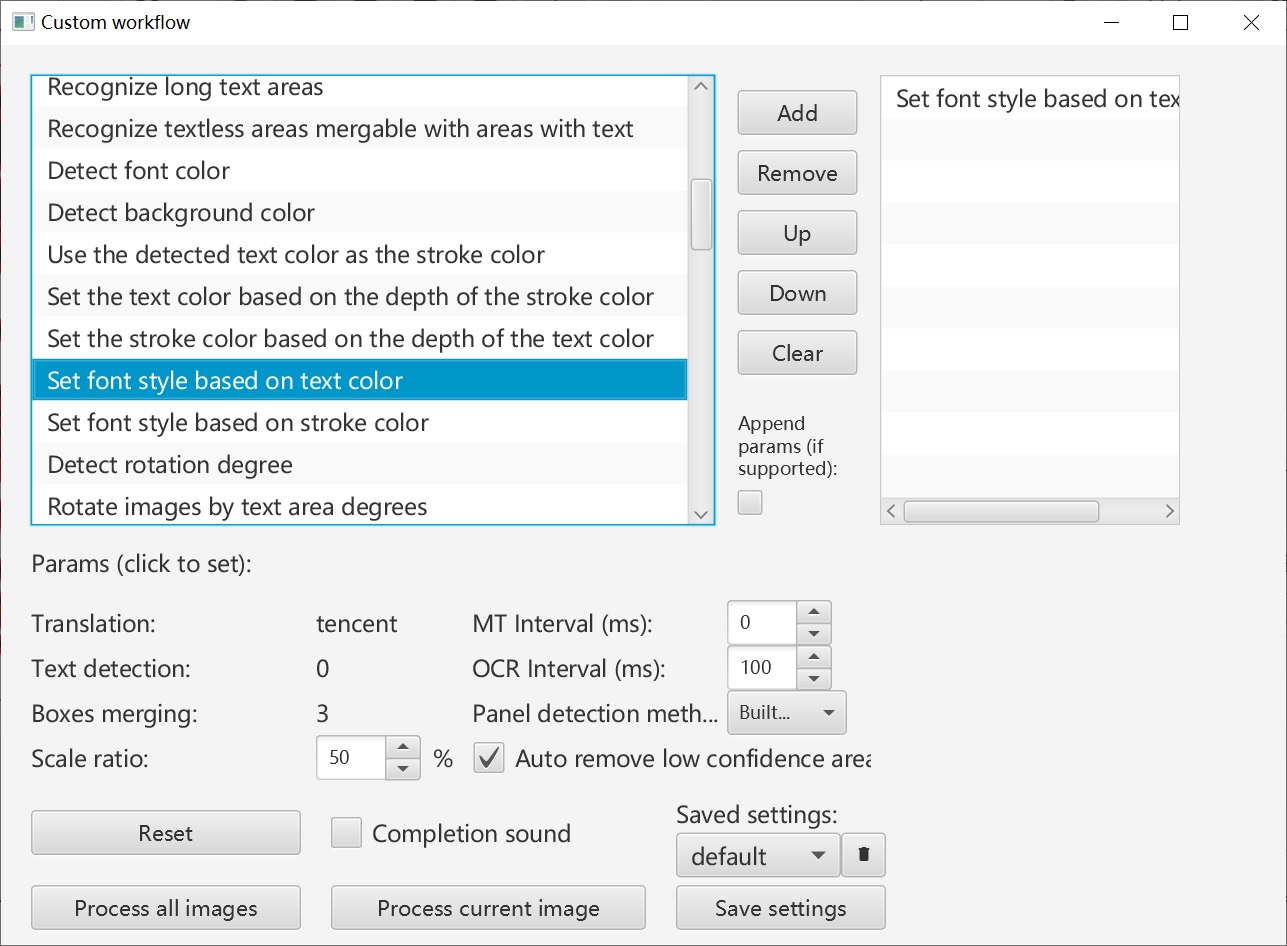
This resolves the issue of inaccuracies in the detected colors.
Example 2
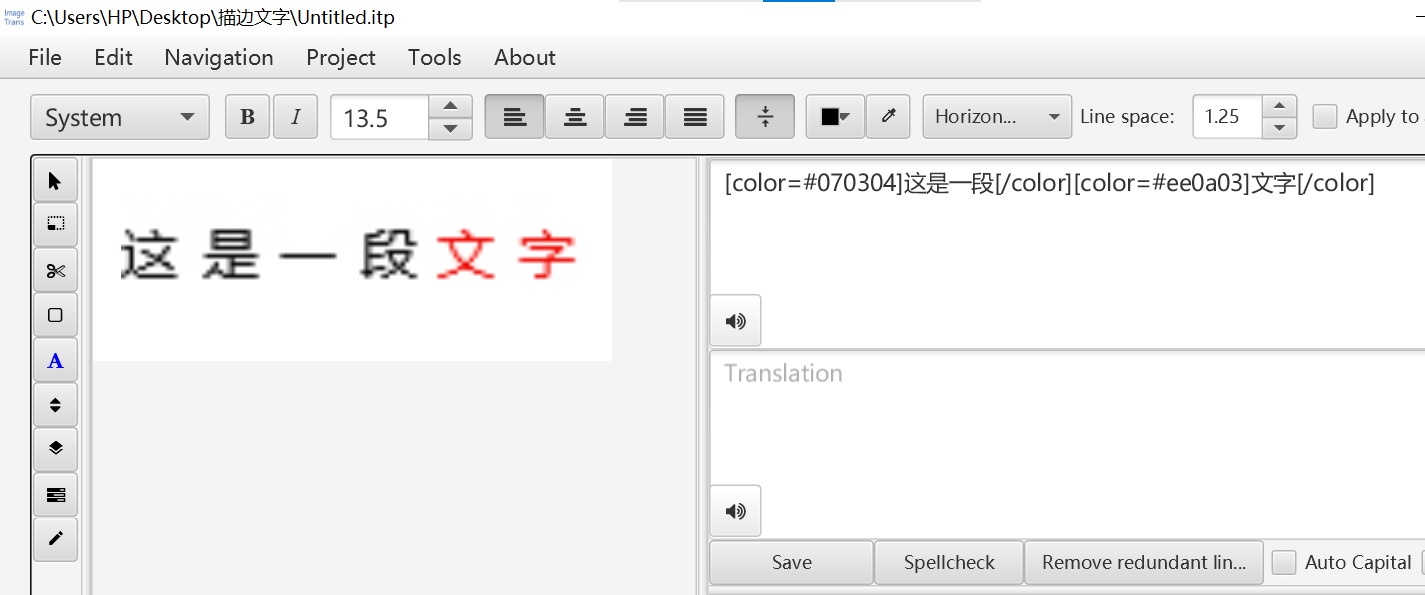
Some texts use rich text formatting, where a single line of text may contain multiple colors. ImageTrans supports recognizing the style of each character and outputting results with rich text tags.
© 2026 BasicCAT ― Powered by Jekyll and Textlog theme