Home / Blog / Image Translation / Video Translation / Support / Donation / RSS
Nano Banana for Manga Translation
This week, Google released the Gemini 3-based Nano Banana Pro, which allows you to input an image and get the translated version directly.
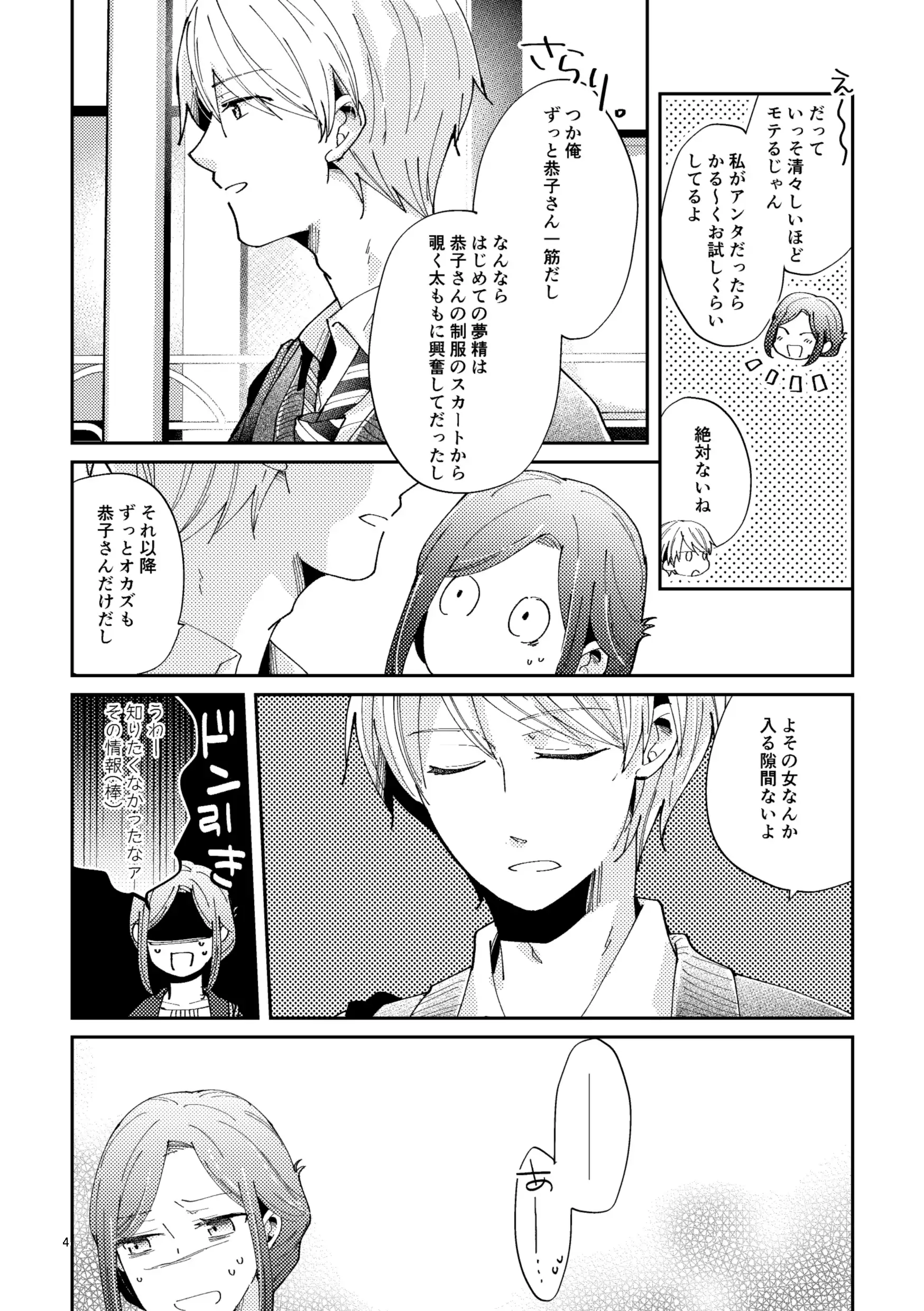
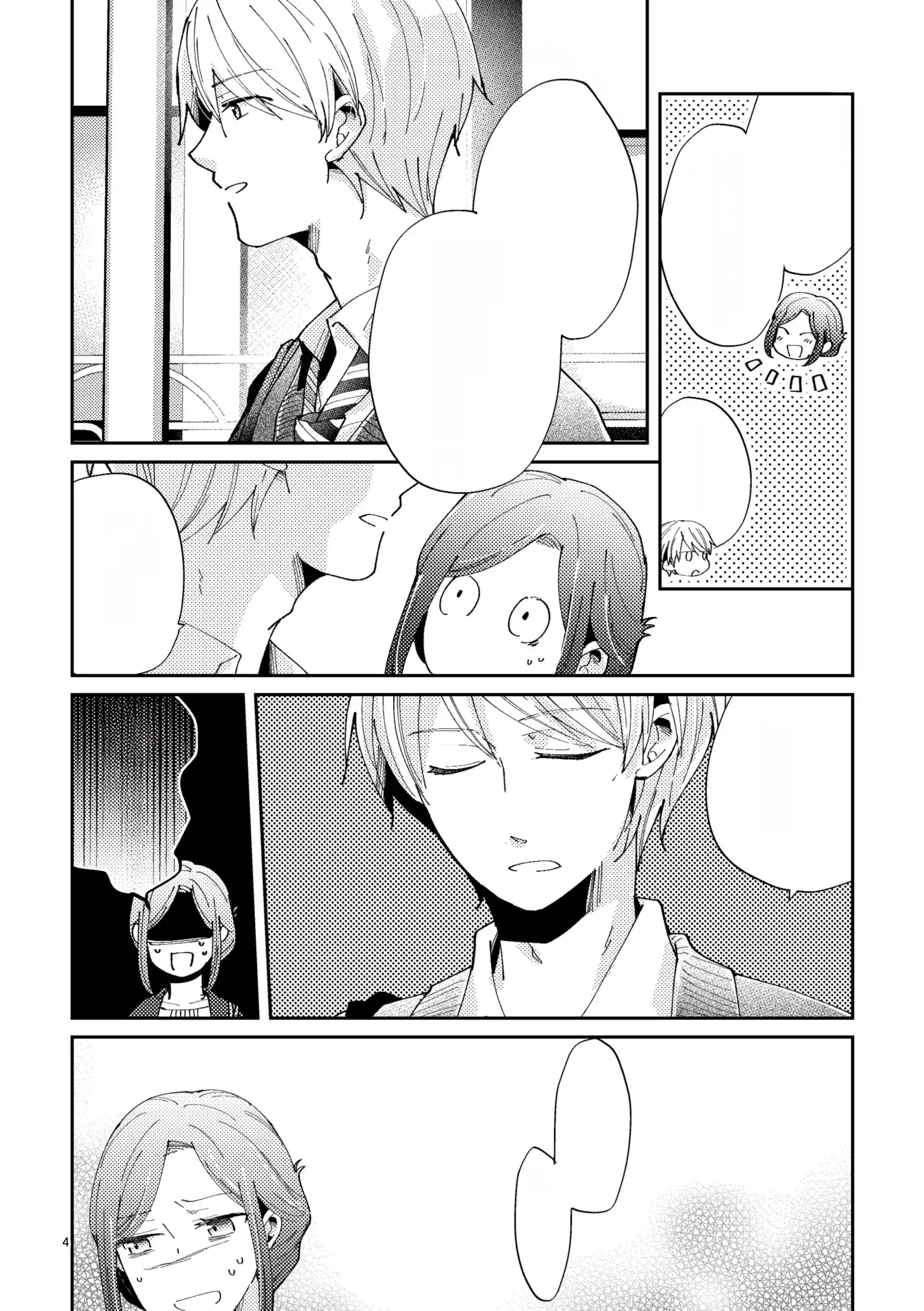
Original Manga (男子高生×新人OLの話):
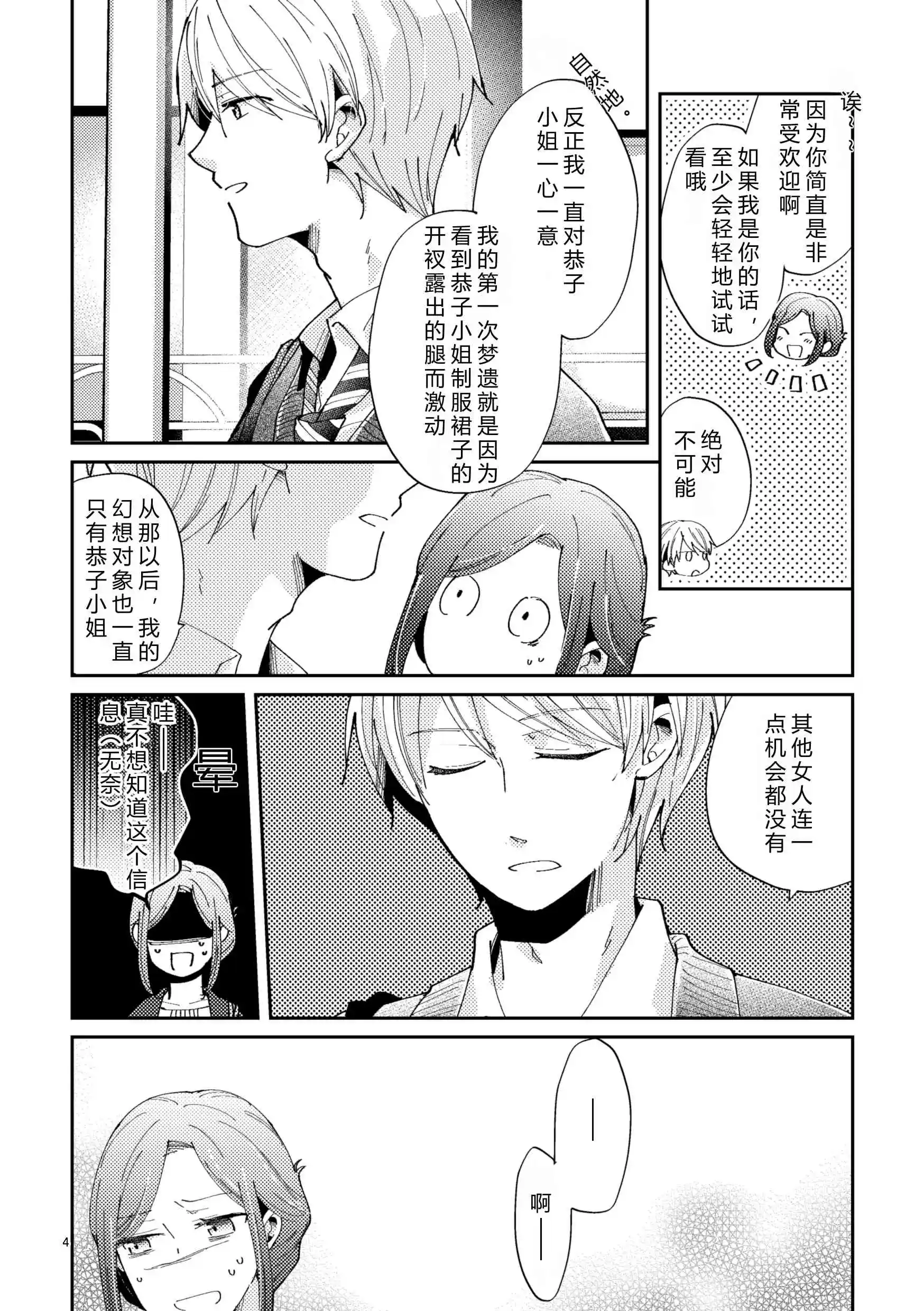
Translated Manga:
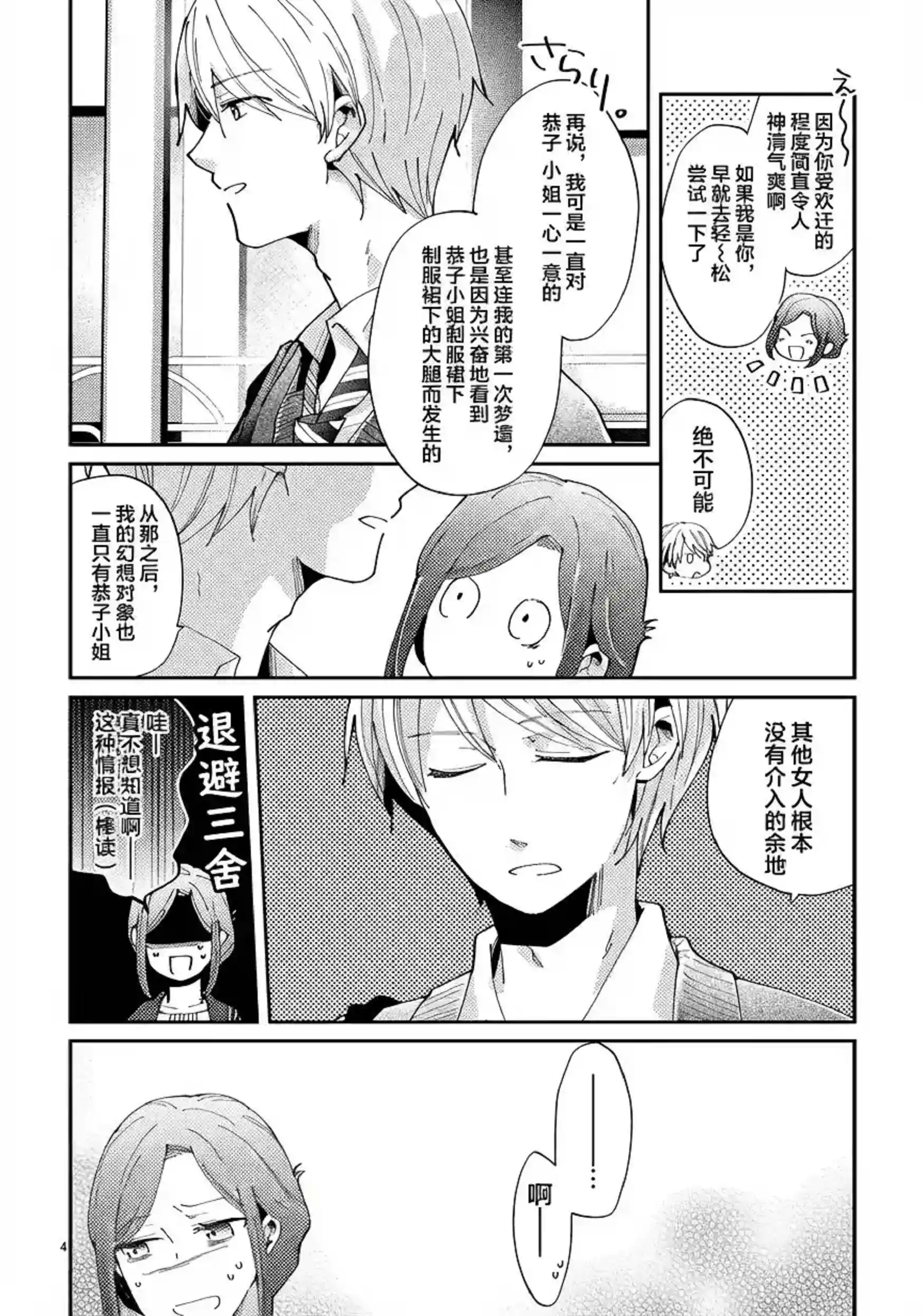
We can see that it can remove the original text and reinject the translated text accurately. The translation quality is also good.
But it also has some issues:
- The text looks weird.
- The output image will lose some quality.
- The output image’s content is different from the original image, and the proportions are not the same.
Let it output only the text-removed version, we can see that the screentones are restored well, but the image content and proportion have been changed.
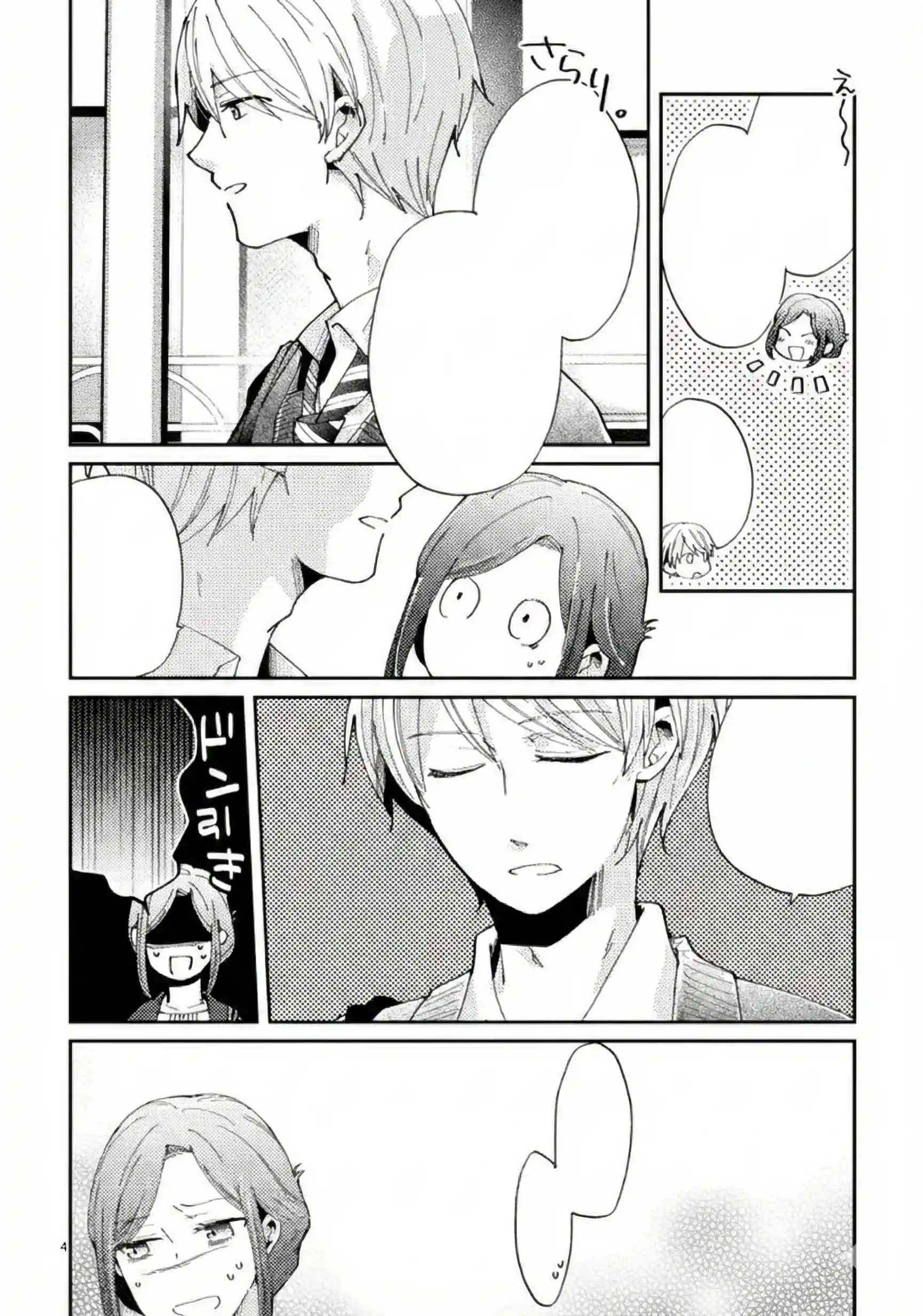
In many cases, it will also come up with image content not in the original image. Using API and specifying the mask like the following cannot help with this either:
export OPENAI_BASE_URL="https://api.qnaigc.com/v1"
export OPENAI_API_KEY=""

curl "$OPENAI_BASE_URL/images/edits" \
    -H "Content-Type: application/json" \
    -H "Authorization: Bearer $OPENAI_API_KEY" \
    -d '{
        "model": "gemini-3.0-pro-image-preview",
        "image": "https://www.basiccat.org/album/dlsite/006-ja.webp",
        "mask": "https://www.basiccat.org/album/nano-banana/mask.png",
        "prompt": "Translate the text into English"
    }'
If we only need to translate the image to get the basic idea, it works great. But if we need to manually adjust the result and embed it into a traditional translation workflow to get a high-quality output, there are still some problems.
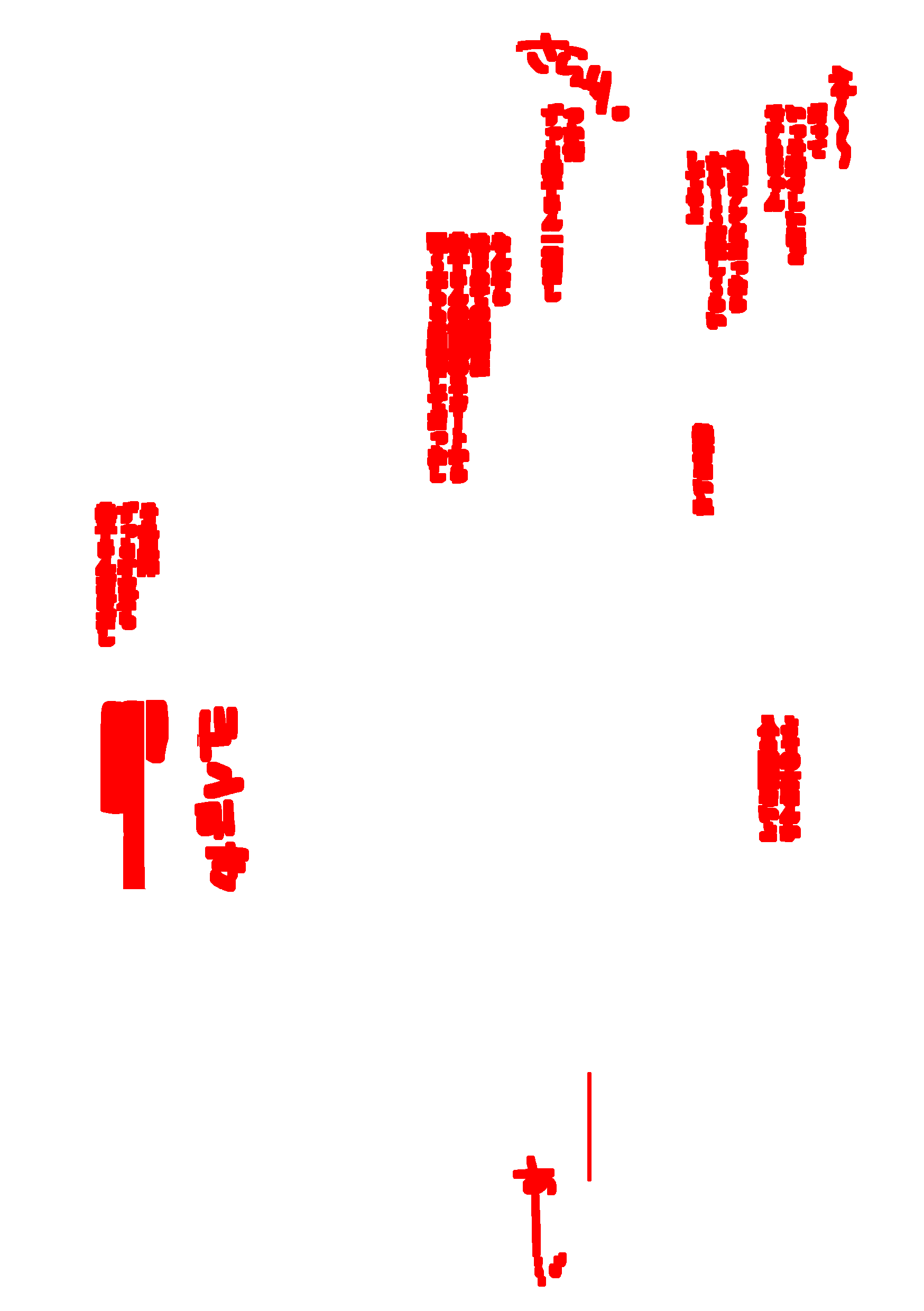
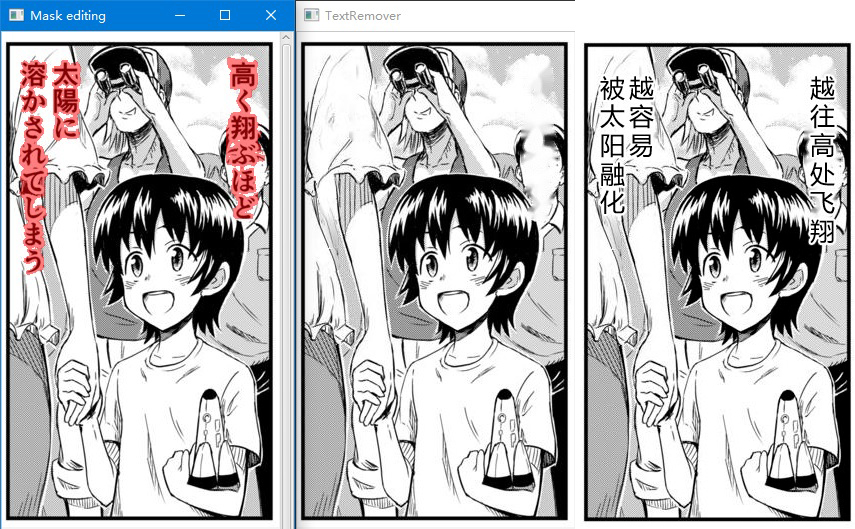
Here are the results of using ImageTrans, a computer-aided image translation software, to go through the human translation process.
Text mask:
Text-removed:
Translated:
Attachments
PSD file with the original image and nano banana created text-cleaned and translated images:nano-banana-modified.psd
2025-12-08 Update
After testing, as long as the input image size matches the output size, for example 1024×1024, the aspect ratio can be preserved. In this case, using it to remove text is not a problem. The new version of ImageTrans has integrated Gemini’s image inpainting plugin.
Example:
© 2026 BasicCAT ― Powered by Jekyll and Textlog theme