Home / Blog / Image Translation / Video Translation / Support / Donation / RSS
Remove Text in Manga and Preserve Screentone
In the lettering step of manga translation, the original text needs to be erased and replaced with the translated text.
One of its tedious tasks is restoring screentones. Most tutorials use Photoshop’s clone stamp tool, which requires careful alignment with the screentone and struggles with complex patterns like gradients. Photoshop’s built-in content-aware fill is also unpredictable and may fill in irrelevant image content.
Another method involves using custom patterns and overlaying them on a separate layer, as explained in the Krita documentation, but the supported patterns are limited. More professional software like CLIP STUDIO PAINT and ComicWorks also require significant manual effort.
With advances in image processing and AI technology, several software tools now offer effective screentone restoration.
The computer-assisted manga translation software ImageTrans provides an all-in-one manga translation platform, covering processes from scanning, text recognition, translation to typesetting.
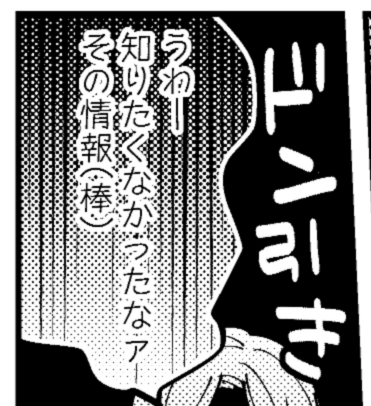
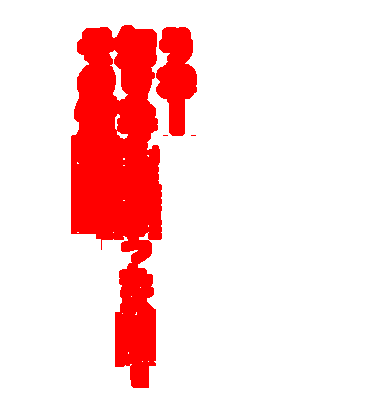
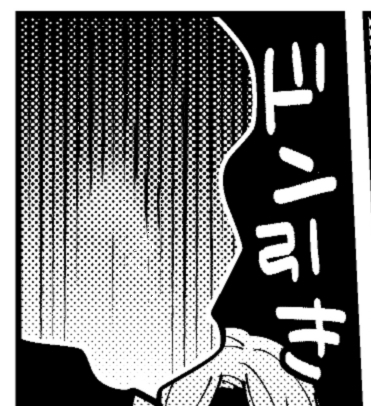
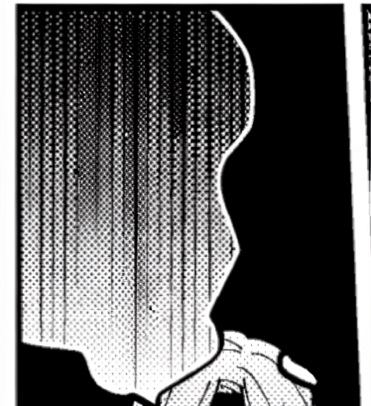
It integrates several methods for text masking and text removal. Below is a comparison of the results produced by some of its methods that handle screentones well.
Original image:
Text mask:
PatchMatch (traditional image processing):
Flux Klein 9B:
Lama Inpaint (original):
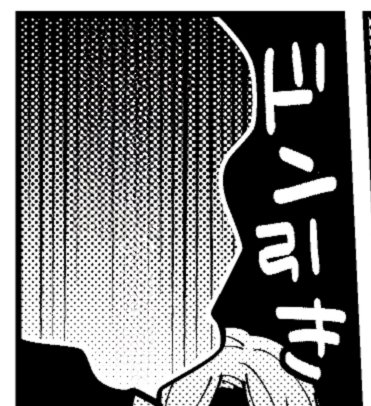
Lama Inpaint (fine-tuned for Japanese manga):
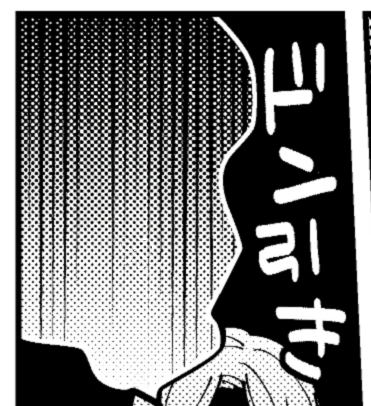
Gemini 3.0 (Nano Banana):
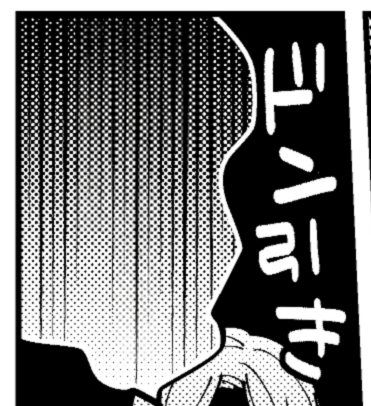
As you can see, the results are quite good, especially the fine-tuned Lama’s, and even when there are minor flaws, only a small amount of correction is needed.
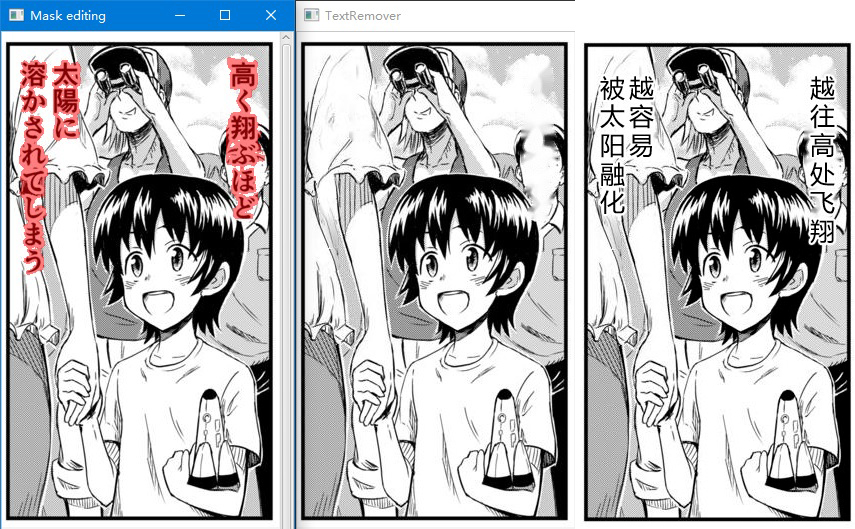
These generative AI models have powerful repainting capabilities. Besides restoring screentones, they can also reconstruct various backgrounds covered by text, such as human figures, landscapes, and other content.
© 2026 BasicCAT ― Powered by Jekyll and Textlog theme